> ## Documentation Index
> Fetch the complete documentation index at: https://wb-21fd5541-wbdocs-1882.mintlify.site/llms.txt
> Use this file to discover all available pages before exploring further.
> 折れ線グラフでは、スムージングを使用してノイズの多いデータの傾向を把握できます。
# 折れ線グラフのスムージング
W\&B は複数のタイプのスムージングをサポートしています。
* [時間加重指数移動平均 (TWEMA) スムージング](#time-weighted-exponential-moving-average-twema-smoothing-default)
* [ガウススムージング](#gaussian-smoothing)
* [移動平均](#running-average-smoothing)
* [指数移動平均 (EMA) スムージング](#exponential-moving-average-ema-smoothing)
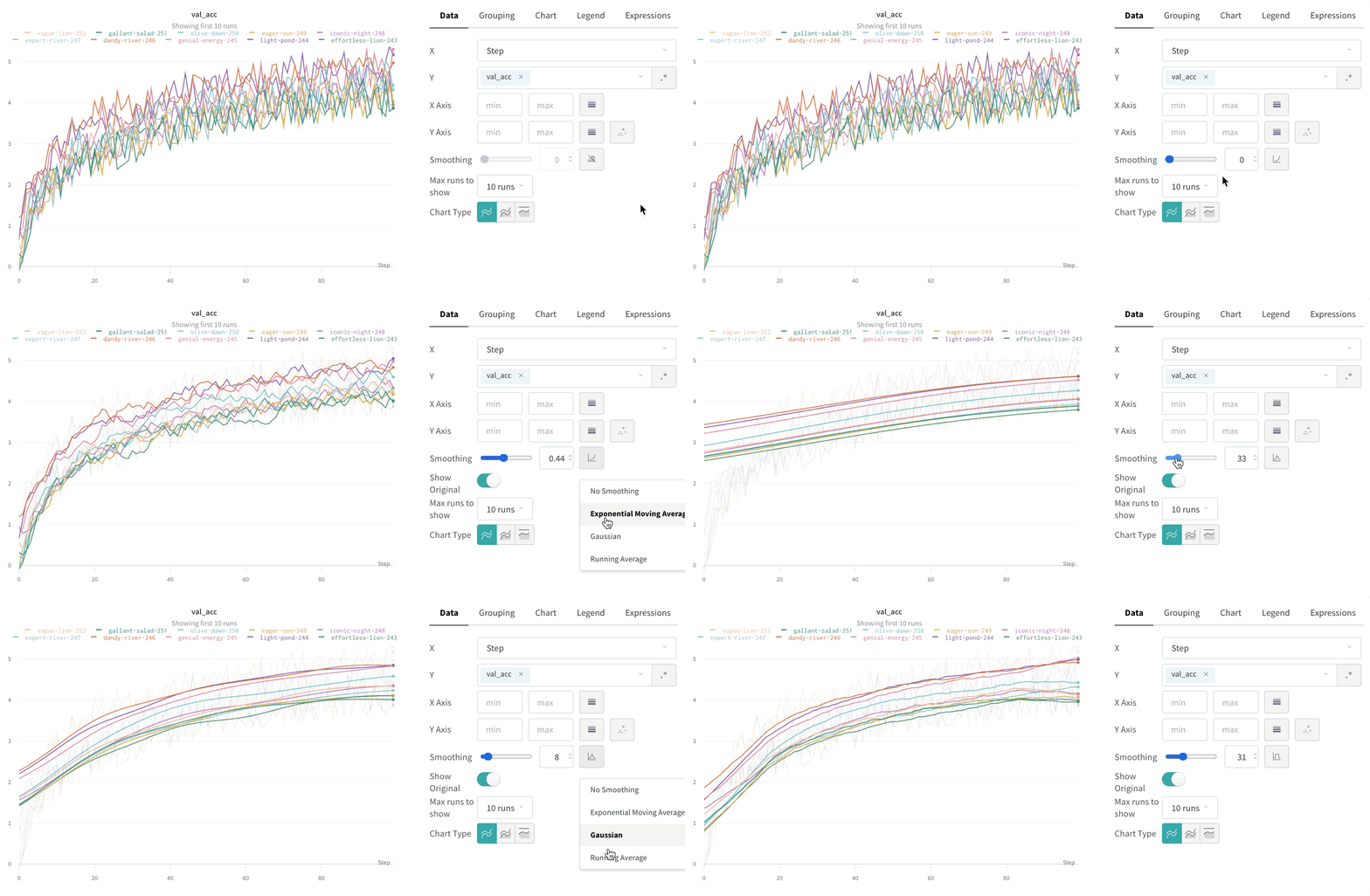
これらが実際にどのように機能するかは、[インタラクティブな W\&B レポート](https://wandb.ai/carey/smoothing-example/reports/W-B-Smoothing-Features--Vmlldzo1MzY3OTc)で確認できます。
## 時間加重指数移動平均 (TWEMA) スムージング (デフォルト)
時間加重指数移動平均 (TWEMA) スムージングアルゴリズムは、過去の点の重みを指数関数的に減衰させることで、時系列データを平滑化する手法です。この手法の詳細については、[Exponential Smoothing](https://www.wikiwand.com/en/Exponential_smoothing)を参照してください。範囲は 0 から 1 です。また、時系列の初期値が 0 に偏らないよう、デバイアス項が追加されています。
TWEMA アルゴリズムは、線上の点の密度 (x軸上の範囲の単位あたりの `y` 値の数) を考慮します。これにより、特性の異なる複数の線を同時に表示する場合でも、一貫したスムージングを行えます。
この仕組みの内部動作を示すサンプルコードを以下に示します。
```javascript theme={null}
const smoothingWeight = Math.min(Math.sqrt(smoothingParam || 0), 0.999);
let lastY = yValues.length > 0 ? 0 : NaN;
let debiasWeight = 0;
return yValues.map((yPoint, index) => {
const prevX = index > 0 ? index - 1 : 0;
// VIEWPORT_SCALE はチャートのx軸の範囲に合わせて結果をスケーリングする
const changeInX =
((xValues[index] - xValues[prevX]) / rangeOfX) * VIEWPORT_SCALE;
const smoothingWeightAdj = Math.pow(smoothingWeight, changeInX);
lastY = lastY * smoothingWeightAdj + yPoint;
debiasWeight = debiasWeight * smoothingWeightAdj + 1;
return lastY / debiasWeight;
});
```
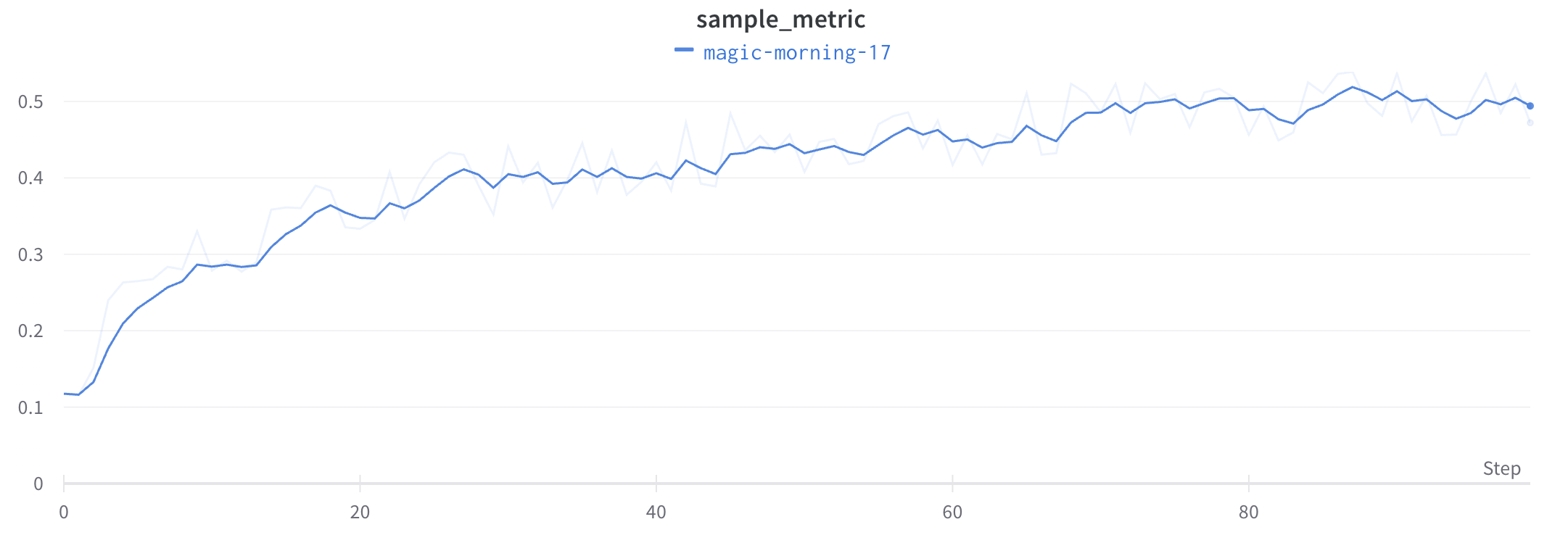
アプリでは次のようになります ([アプリ内](https://wandb.ai/carey/smoothing-example/reports/W-B-Smoothing-Features--Vmlldzo1MzY3OTc)) :
## ガウススムージング
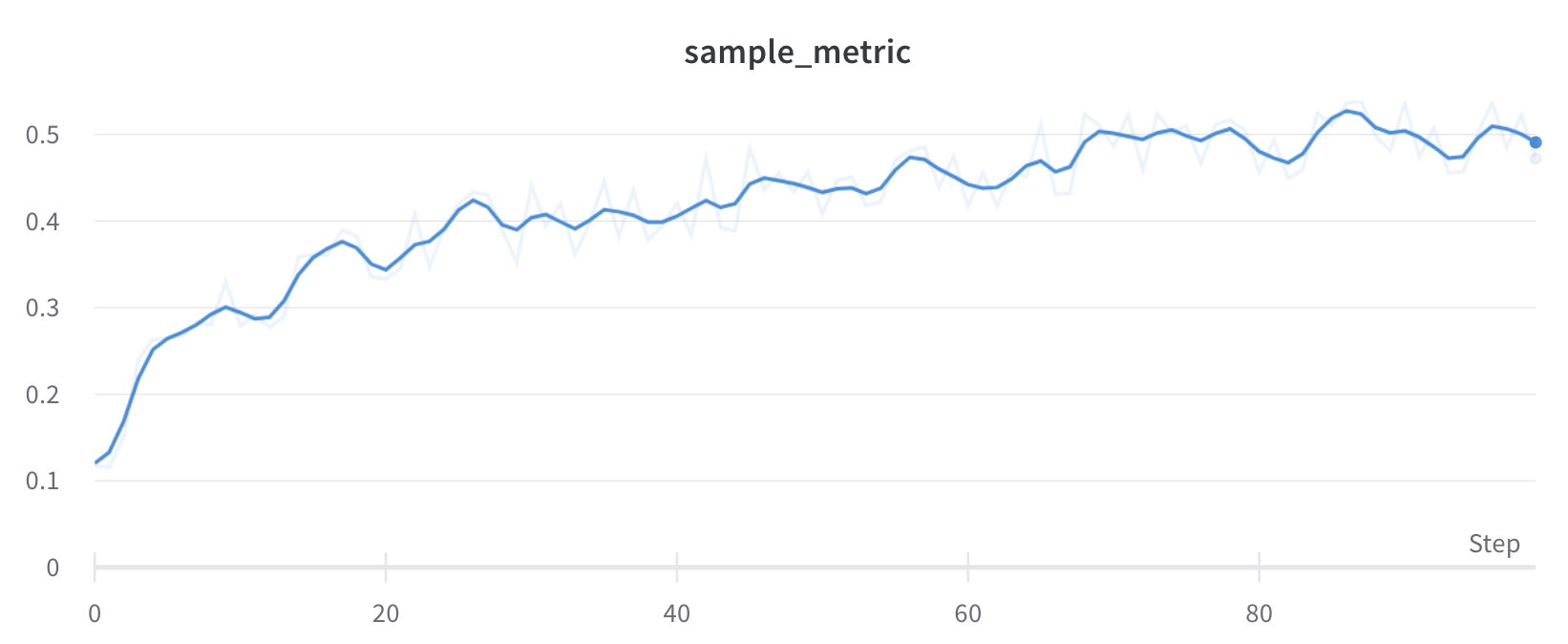
ガウススムージング (またはガウスカーネルスムージング) では、各点の加重平均を計算します。重みには、スムージングパラメーターとして指定した標準偏差を持つガウス分布を用います。スムージング後の値は、各入力 x 値について、その前後にある点に基づいて計算されます。
これは[アプリ内](https://wandb.ai/carey/smoothing-example/reports/W-B-Smoothing-Features--Vmlldzo1MzY3OTc#3.-gaussian-smoothing)では次のように表示されます。
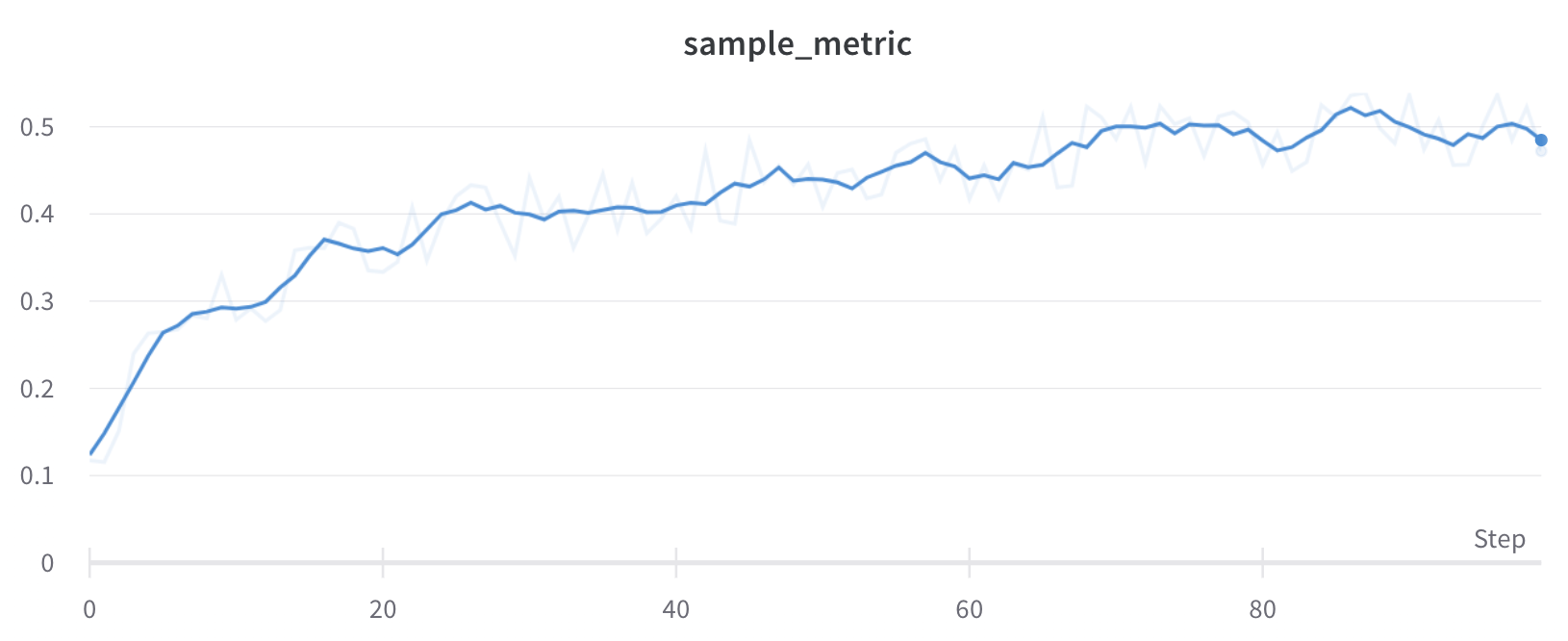
## 移動平均スムージング
移動平均は、指定した x 値の前後にある一定範囲内の点の平均値で、その点を置き換えるスムージングアルゴリズムです。詳しくは [Wikipedia の「Boxcar Filter」](https://en.wikipedia.org/wiki/Moving_average) を参照してください。移動平均で選択するパラメーターは、移動平均の計算で考慮する点の数を W\&B に指定します。
点が x 軸上で不均一に配置されている場合は、代わりに ガウススムージング を使用することを検討してください。
これは[アプリ内](https://wandb.ai/carey/smoothing-example/reports/W-B-Smoothing-Features--Vmlldzo1MzY3OTc#4.-running-average)では次のように表示されます。
## 指数移動平均 (EMA) スムージング
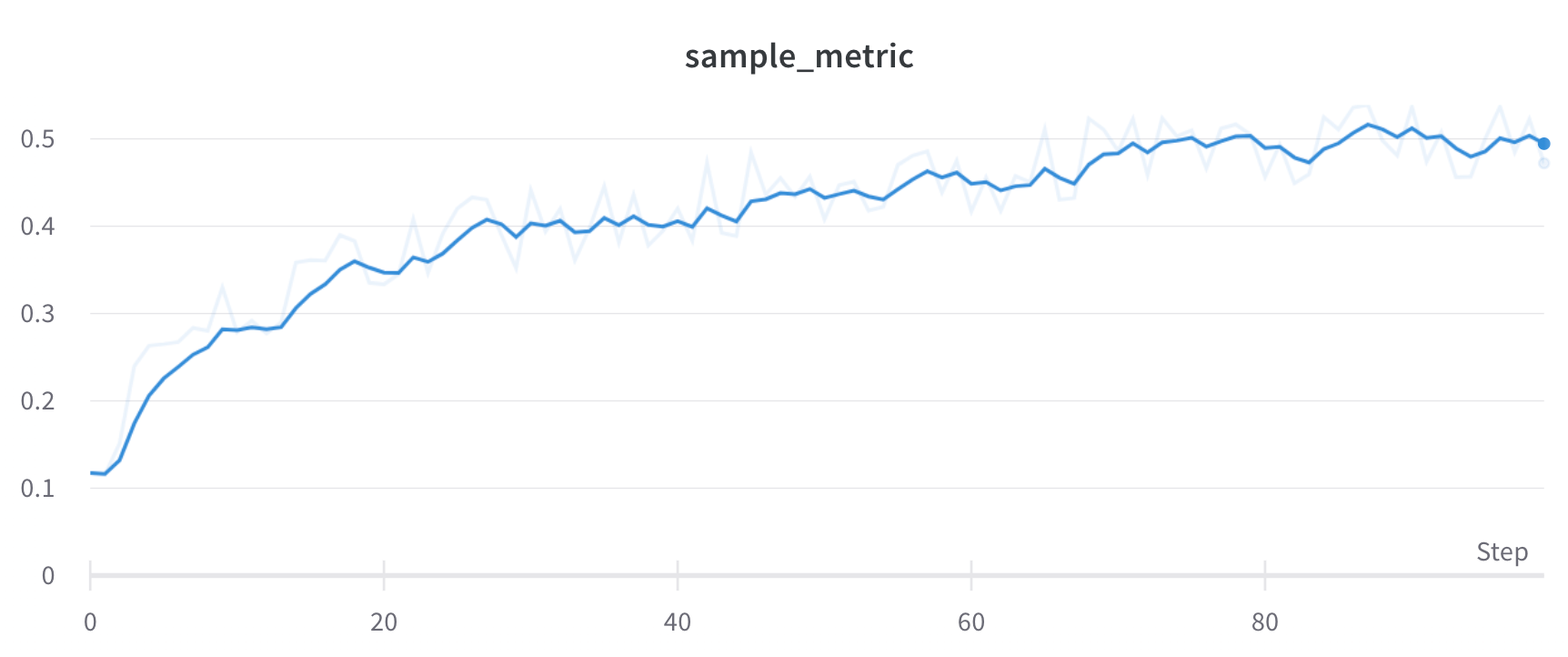
指数移動平均 (EMA) スムージングアルゴリズムは、指数ウィンドウ関数を使って時系列データを平滑化する経験則的な手法です。この手法の詳細については、[Exponential Smoothing](https://www.wikiwand.com/en/Exponential_smoothing)を参照してください。範囲は 0 から 1 です。時系列の初期の値がゼロ方向に偏らないよう、デバイアス項が追加されます。
多くの場合、EMA スムージングは、先にバケット化してからスムージングするのではなく、履歴全体を走査して適用されます。この方法のほうが、より正確なスムージング結果が得られることがよくあります。
ただし、次のような場合は、EMA スムージングは代わりにバケット化の後に適用されます。
* サンプリング
* グループ化
* 式
* 非単調な x 軸
* 時間ベースの x 軸
以下は、この仕組みが内部でどのように動作するかを示すサンプルコードです。
```javascript theme={null}
data.forEach(d => {
const nextVal = d;
last = last * smoothingWeight + (1 - smoothingWeight) * nextVal;
numAccum++;
debiasWeight = 1.0 - Math.pow(smoothingWeight, numAccum);
smoothedData.push(last / debiasWeight);
```
アプリでは[このように表示されます](https://wandb.ai/carey/smoothing-example/reports/W-B-Smoothing-Features--Vmlldzo1MzY3OTc):
## 元のデータを非表示
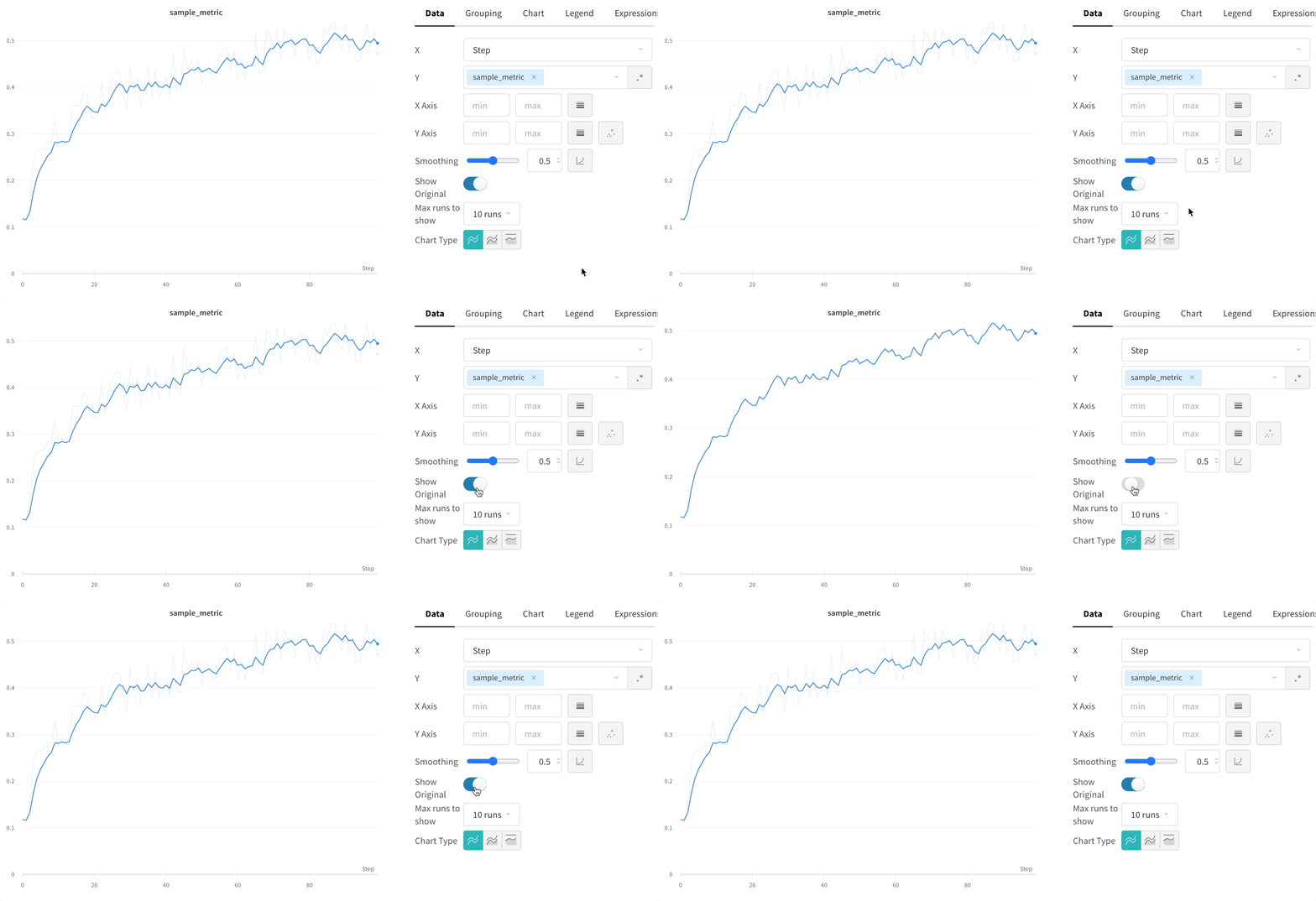
デフォルトでは、スムージングされていない元のデータが、背景に薄い線としてプロットに表示されます。これを非表示にするには、**Show Original** をクリックします。